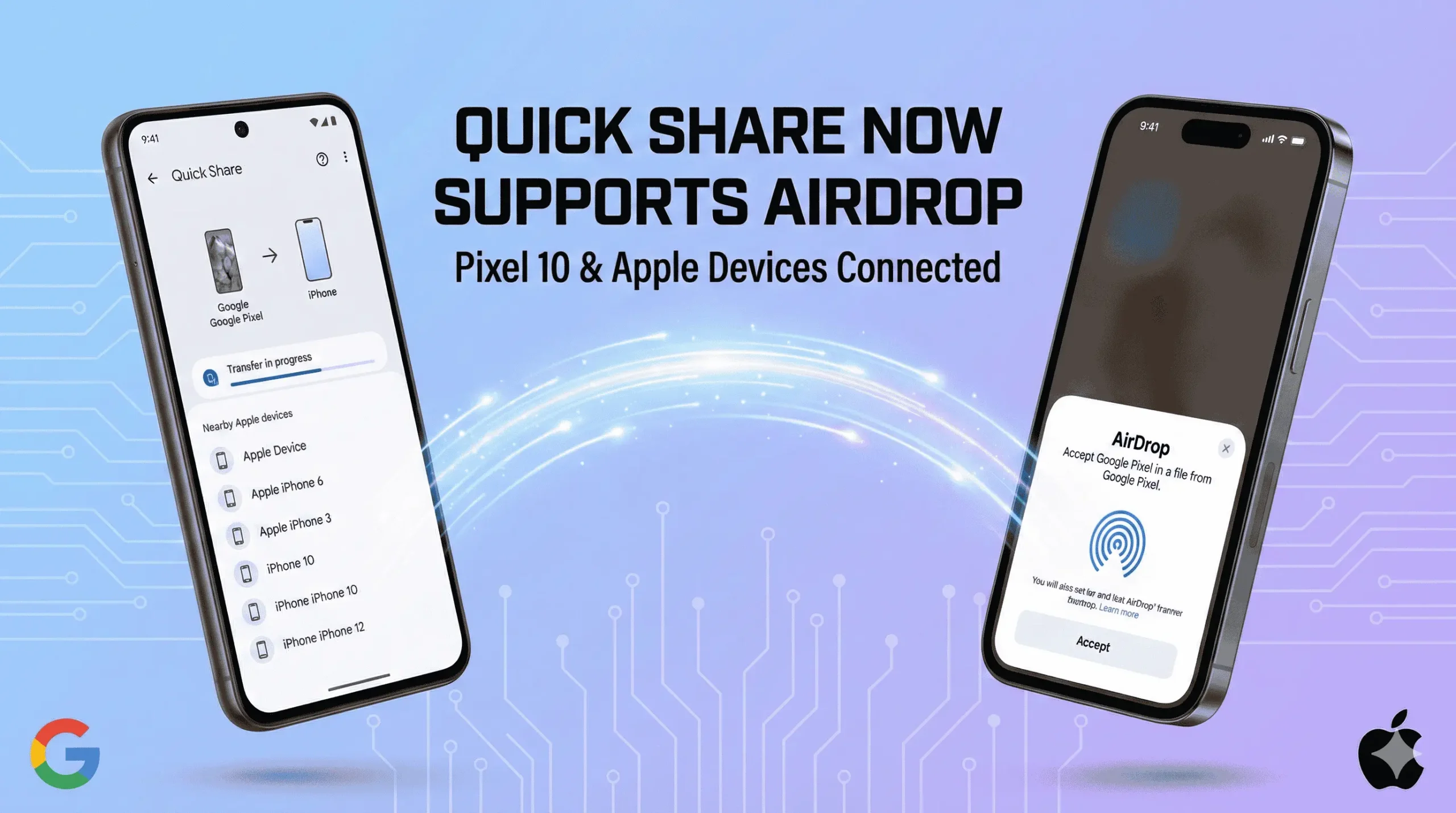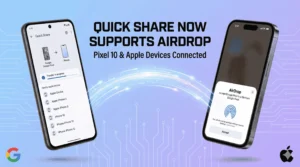
Google has announced a historic breakthrough in mobile interoperability: Quick Share now supports AirDrop, effectively tearing down the digital wall between Android and iOS. This long-awaited integration debuts immediately with the Pixel 10 family, marking a pivotal shift in cross-platform technology.
For years, the mobile ecosystem has been segregated by a significant barrier: the inability to seamlessly transfer files between Android and iPhone. Users have historically relied on inefficient workarounds—such as email, cloud storage, or third-party apps—to bridge this gap. With the news that Quick Share now supports AirDrop, those days of friction are finally over.
Why This Matters: The End of File Transfer Friction
In a multi-device world where professional and personal circles often mix ecosystems, file sharing has remained surprisingly archaic. Previous methods presented distinct technical limitations that this new update solves:
Email: Inefficient for large binaries or batch transfers; often introduces latency.
Cloud Storage: Relies on internet connectivity and requires matching client-side applications.
Messaging Apps: Often results in aggressive file compression and keeps data siloed.
Legacy AirDrop: Previously restricted exclusively to the Apple ecosystem (iPhone/iPad/Mac).
Technical Implementation & Security
Google has engineered this integration to prioritize privacy and speed, mirroring the native behaviors users expect. Because Quick Share now supports AirDrop directly, it does not require Apple’s active participation to function securely.
1. End-to-End Encryption (E2EE)
All transfers are secured via robust encryption protocols. Data remains encrypted during transit, ensuring that even if packets are intercepted, they cannot be decrypted without the correct keys.
Also Read- How To fix e-SIM issue on iPhone
2. Direct Device-to-Device Transfer
The system utilizes peer-to-peer (P2P) protocols. This bypasses cloud intermediaries entirely, ensuring high-speed throughput and zero mobile data consumption.
3. Proximity-Based Discovery
Leveraging local wireless technologies (Bluetooth and Wi-Fi Direct), devices automatically detect one another based on physical proximity. This streamlines the handshake process, allowing a Pixel 10 to “see” an iPhone just as another Apple device would.
4. Universal Protocol Compatibility
Android users can now transmit data directly to iOS devices (and vice versa) using their respective native sharing UI.
Download Quickshare extension
How to Use Quick Share with AirDrop
Native support for this interoperability begins with Google’s flagship Pixel 10 series. Here is how to ensure your device is ready.
Installation & Access
OTA Updates: Pixel 10 users may receive this functionality automatically via the November 2025 security patch or a Google Play System update.
Manual Installation: For immediate access, users can manually download and side-load the specific Quick Share Extension APK to enable the feature.
Steps to Transfer
On iPhone: Ensure AirDrop is set to “Everyone for 10 Minutes.”
On Pixel 10: Select the file you wish to send.
Share: Tap “Quick Share” in the share sheet. The iPhone will appear as a reachable target.
Send: Tap the user icon. The iPhone user will receive a standard AirDrop prompt to accept the file.